Strategy · 10 Nov 2026 · 8 min read
best it documentation tools for streamlined operations
Discover the best IT documentation tools that enhance operational efficiency and ensure seamless knowledge sharing within your organisation.
By SystemMap
Why proper IT documentation is essential for your business
In today’s fast-paced business environment, the best IT documentation tools are more critical than ever. As organisations increasingly rely on digital tools and systems, having a clear and comprehensive record of these assets becomes essential. Proper IT documentation helps in maintaining operational efficiency, ensuring compliance, and facilitating knowledge transfer among team members. Without it, companies can face significant challenges, such as miscommunication, redundancy, and even security risks.
For example, a lack of documented procedures can lead to inconsistent practices, resulting in errors that could potentially disrupt operations. Therefore, choosing the right IT documentation tools can make a significant difference in how effectively your organisation operates. These tools not only help in documenting processes but also in creating a culture of transparency and accountability, where every team member understands their role and the systems they work with.
Key features to look for in IT documentation tools
When evaluating IT documentation tools, it’s essential to consider several key features that can enhance your documentation process. First, usability is paramount; the tool should be intuitive and easy to navigate for all users, regardless of their tech-savvy level. This is particularly important in diverse teams where members may have varying levels of technical expertise. Second, collaboration features are crucial, as they enable multiple team members to contribute, edit, and comment on documentation in real-time, fostering a collaborative environment.
Another important aspect is integration capabilities; the tool should seamlessly connect with other systems your organisation uses, such as project management or customer relationship management (CRM) software. Additionally, look for tools that offer visual documentation options, such as flowcharts or maps, which can facilitate better understanding of complex systems. These visual aids can be invaluable for onboarding new employees or explaining processes to stakeholders. By focusing on these features, you can ensure that you select a documentation tool that meets your organisational needs and enhances efficiency across the board.
Top IT documentation tools to consider
There are numerous IT documentation tools available on the market today, each with its own unique features and benefits. Here are some of the best options worth considering:
- SystemMap: This tool allows you to visualise and document your IT systems, combining a visual map with detailed records of systems, owners, costs, and contracts. SystemMap is particularly advantageous during the growth phase, as it offers free access without requiring a credit card. It’s an excellent choice for businesses that need to create a clear overview of their operational dependencies.
- Confluence: Developed by Atlassian, Confluence is a popular team collaboration tool that also works well for documentation purposes. It allows teams to create, share, and collaborate on documents in a structured way, making it easy to maintain a central knowledge base.
- Notion: Known for its versatility, Notion is an all-in-one workspace where teams can write, plan, and organise their documentation. Its flexibility allows for customisation, enabling users to create tailored documentation solutions.
- Microsoft OneNote: A part of the Microsoft 365 suite, OneNote is ideal for teams already using Microsoft products. It enables easy note-taking and organisation of information, making it a suitable choice for informal documentation needs.
- Google Workspace: Google Docs and Sheets offer a collaborative approach to documentation and are widely used for their ease of access and real-time editing capabilities. These tools are particularly effective for teams that require constant updates and sharing.
- DocuWare: This tool focuses on document management and offers features such as electronic signatures and workflow automation, making it suitable for businesses that require more formal documentation processes.
- Trello: While primarily known as a project management tool, Trello can also be adapted for documentation by creating boards that outline processes, responsibilities, and important information. Each of these tools brings unique strengths to the table, allowing your organisation to select one that best fits its operational needs.
How SystemMap stands out as a documentation solution
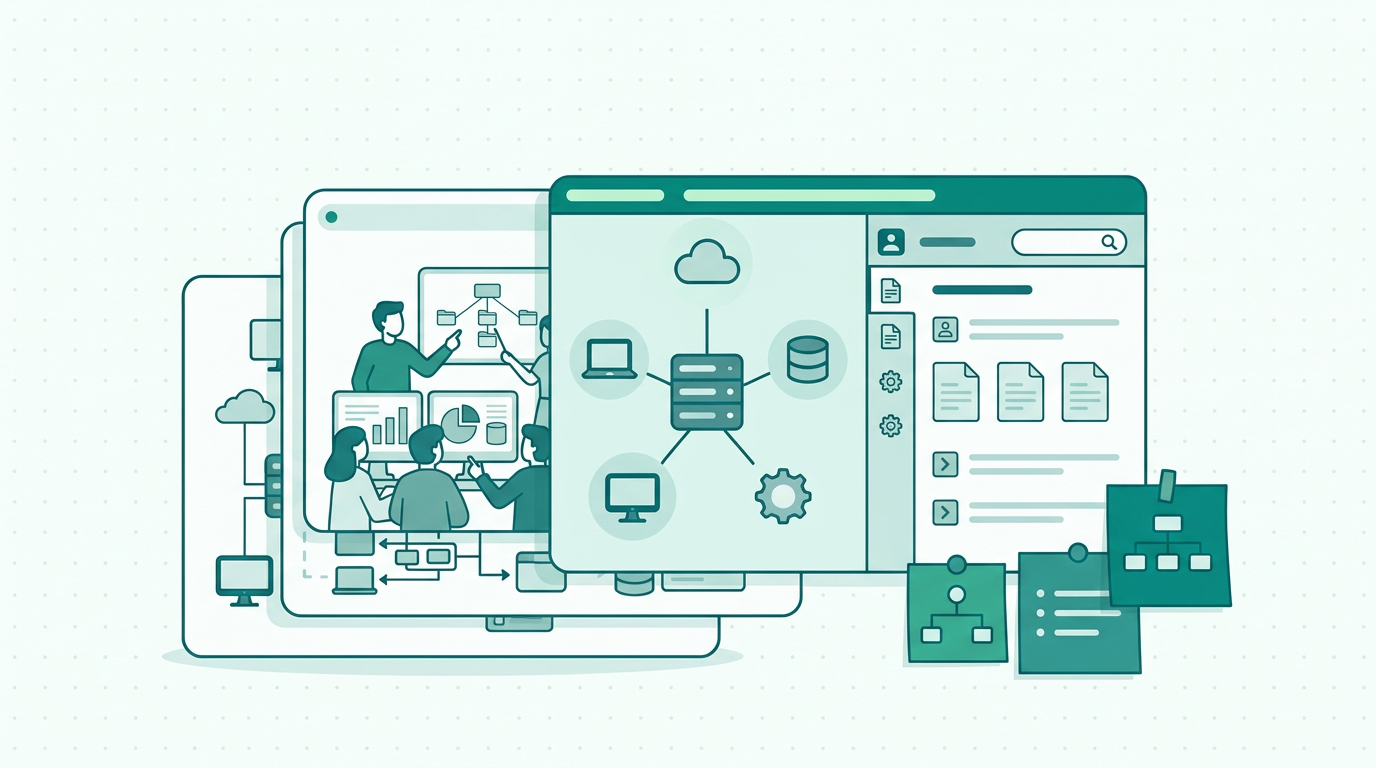
Among the numerous IT documentation tools available, SystemMap is uniquely positioned as a powerful solution tailored for businesses that need to manage their IT systems effectively. One standout feature of SystemMap is its ability to create a visual representation of your IT landscape, allowing you to see how different systems interact and depend on one another. This visualisation can significantly enhance your understanding of complex relationships within your IT infrastructure, making it easier to identify bottlenecks or redundancies. Moreover, SystemMap consolidates essential information such as system records, business and technical owners, backup details, and contract deadlines into one comprehensive platform.
This means that you can easily access critical data without having to navigate through multiple disparate sources, streamlining your operations. Additionally, during its growth phase, SystemMap offers free access, making it an attractive option for small and medium-sized businesses looking to optimise their documentation processes. The user-friendly interface and robust features make it a go-to choice for organisations aiming to enhance their documentation efforts while fostering a culture of clarity and collaboration.
The impact of effective IT documentation on business performance
Effective IT documentation can have a profound impact on business performance. By streamlining operational processes, it helps organisations reduce downtime and improve productivity. When employees have access to clear, up-to-date documentation, they are better equipped to perform their tasks efficiently, leading to higher output and better service delivery. For instance, in an organisation where IT documentation is regularly updated, employees can quickly find solutions to common problems, reducing the time spent on troubleshooting. Furthermore, well-maintained documentation supports compliance efforts, as it ensures that businesses can easily reference necessary records and procedures when required.
This is especially crucial in regulated industries where adherence to standards is mandatory; failing to demonstrate compliance can lead to significant penalties. Additionally, effective documentation fosters a culture of knowledge sharing, encouraging collaboration and innovation among team members. By making information accessible, employees are more likely to contribute their insights, leading to improved processes and solutions. Overall, investing in the right IT documentation tools can yield significant returns in terms of efficiency, compliance, and team morale, positioning your organisation for long-term success.
Best practices for maintaining IT documentation
To maximise the benefits of your chosen IT documentation tools, it’s essential to implement best practices for maintaining documentation. First, establish a clear documentation policy that outlines what needs to be documented, who is responsible, and how often updates should occur. This ensures that everyone on your team understands their roles and responsibilities regarding documentation. Second, encourage regular reviews of documentation to keep it current and relevant. Outdated information can lead to confusion and inefficiencies, so regular checks are vital. Third, promote a collaborative approach to documentation, allowing team members to contribute their insights and expertise.
This not only enhances the quality of documentation but also fosters a sense of ownership among staff. Additionally, consider using templates for common documentation needs to streamline the process and maintain consistency across your documentation. Templates can save time and ensure that all necessary information is included in each document. Finally, provide training sessions for staff on how to use the documentation tools effectively, ensuring that all team members are comfortable and confident in using the system. By following these best practices, organisations can ensure that their documentation remains accurate, useful, and accessible.
Frequently asked questions
01What are IT documentation tools?
IT documentation tools are software solutions designed to help businesses create, manage, and maintain documentation related to their IT systems and processes. They enable organisations to store critical information in a structured manner, facilitating easy access and collaboration. These tools often include features such as version control, templates, and integration capabilities, allowing teams to document everything from standard operating procedures to system configurations efficiently.
02Why is IT documentation important?
IT documentation is crucial for maintaining operational efficiency, ensuring compliance, and facilitating knowledge sharing among team members. It helps organisations avoid miscommunication, redundancy, and security risks associated with poorly documented systems. Furthermore, comprehensive documentation can serve as a training resource for new employees, enabling them to get up to speed more quickly and effectively. In a rapidly changing technological environment, having reliable documentation is essential for quick troubleshooting and system recovery.
03How do I choose the right IT documentation tool?
When selecting an IT documentation tool, consider factors such as usability, collaboration features, integration capabilities, and visual documentation options. It’s essential to choose a tool that aligns with your organisation’s specific needs and workflows. You may also want to evaluate the level of customer support offered by the vendor, as well as the scalability of the tool to accommodate future growth. Taking the time to conduct trials or demos can also help in making an informed decision.
04Can SystemMap integrate with other tools?
Yes, SystemMap is designed to work alongside various tools and systems, allowing users to create a comprehensive overview of their IT landscape. This integration capability enhances the overall effectiveness of your documentation efforts. By connecting with other software such as project management tools, financial systems, or communication platforms, SystemMap ensures that your documentation remains relevant and updated, reflecting real-time changes in your organisation's IT environment.
Ready to see your own systems clearly?
Map your IT landscape in minutes. Free to start.
Start free