Insights · 27 Oct 2026 · 10 min read
Understanding how many SaaS apps small businesses use
Explore how many SaaS apps small businesses typically utilise to streamline operations and enhance productivity. Learn effective management strategies.
By SystemMap
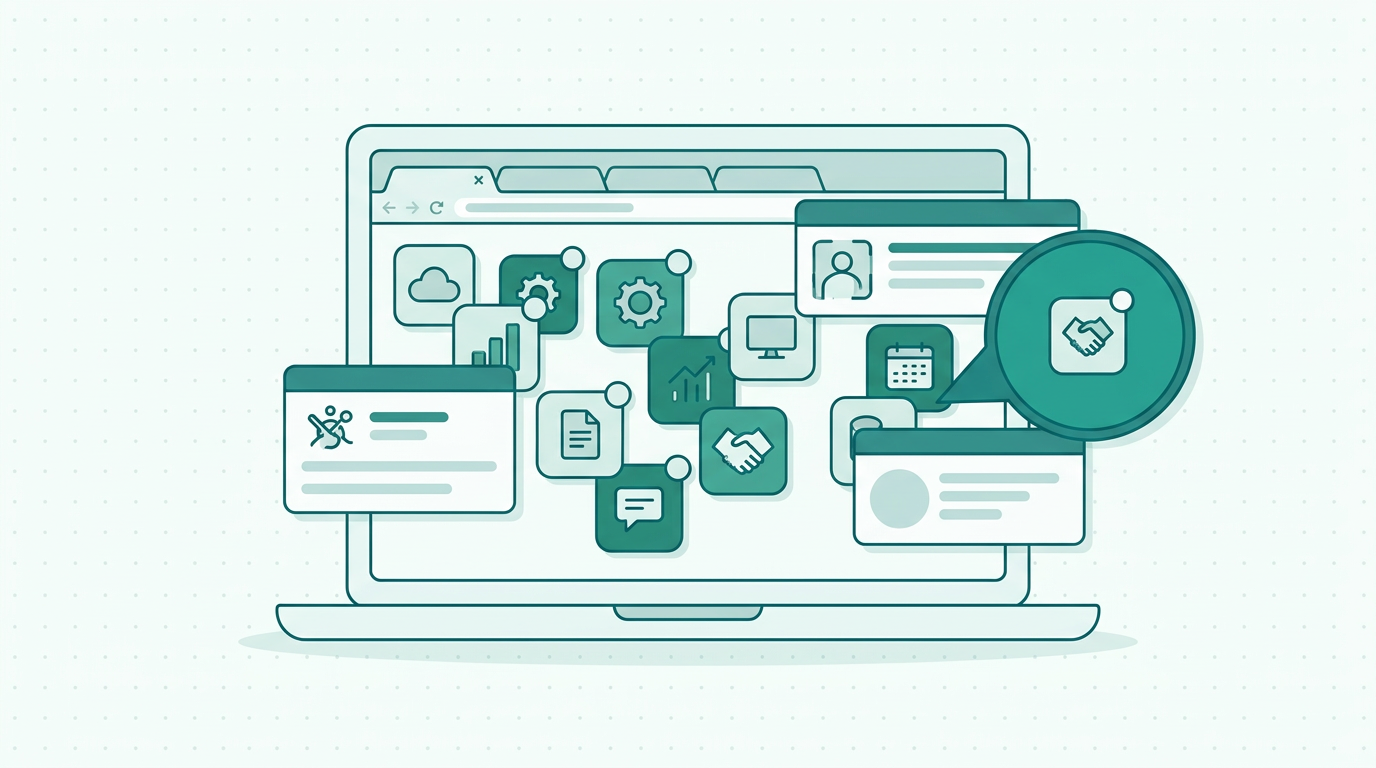
Understanding the SaaS landscape for small businesses
In today's fast-paced digital environment, small businesses are increasingly turning to Software as a Service (SaaS) applications to streamline operations, enhance productivity, and reduce costs. A key consideration in this shift is how many SaaS apps does a small business use typically, as the pivot towards SaaS is largely due to its flexibility, affordability, and ease of integration with existing systems. On top of that, SaaS solutions often provide businesses with access to cutting-edge technologies without the need for significant upfront investment in infrastructure.
However, as more businesses adopt these solutions, a common question arises: how many SaaS apps does a small business typically use? This article aims to explore this question while highlighting the potential challenges small businesses face in managing multiple applications. Furthermore, we will discuss how solutions like SystemMap can assist in gaining clarity and control over these crucial business tools.
The average number of SaaS applications used by small businesses
Research indicates that small businesses utilise anywhere from 5 to 15 SaaS applications on average, depending on their operational needs and industry. This range can vary significantly based on the business's size, sector, and specific requirements. For instance, a tech startup might rely on numerous SaaS tools for development, project management, and customer relationship management, while a local retail shop may only need a few for inventory and sales tracking. Additionally, factors such as the company’s growth stage and the complexity of its operations can further influence the number of applications in use.
The growing reliance on digital tools highlights the necessity for effective management of these applications to ensure they deliver maximum value without overwhelming users. Moreover, as the digital landscape evolves, businesses may find themselves integrating new tools more frequently, leading to an increase in the overall number of applications employed. Therefore, small business owners must adopt a proactive approach to understanding their SaaS usage and its implications.
Common categories of SaaS applications in small businesses
SaaS applications serve various functions across different business areas. Understanding the common categories can help business owners identify which tools are essential for their operations. Common categories of SaaS applications used by small businesses include:
- Communication and collaboration tools: These include applications like Slack and Microsoft Teams, which facilitate internal communication and project collaboration. Effective communication tools are crucial for remote and hybrid work environments, ensuring that teams remain connected and productive regardless of their physical location.
- Customer relationship management (CRM): Tools such as HubSpot and Salesforce help manage customer interactions and data throughout the customer lifecycle. A robust CRM system enables businesses to analyse customer behaviour, tailor marketing efforts, and improve overall customer satisfaction.
- Accounting and finance software: Applications like QuickBooks and Xero simplify financial management, invoicing, and reporting. These tools automate many financial processes, reducing the risk of human error and freeing up time for business owners to focus on strategic initiatives.
- Marketing automation tools: Platforms like Mailchimp and Hootsuite assist in managing marketing campaigns and social media. These tools enable businesses to streamline their marketing efforts, track engagement metrics, and optimise campaigns for better performance.
- Project management tools: Tools such as Trello and Asana help teams plan, execute, and monitor projects effectively. By using project management software, businesses can enhance collaboration, ensure deadlines are met, and allocate resources more efficiently.
- Human resources management (HRM): Solutions like BambooHR and Gusto help manage employee records, payroll, and recruitment processes. These tools can streamline HR tasks, allowing businesses to focus on developing their workforce.
- E-commerce platforms: For businesses selling online, platforms like Shopify and WooCommerce provide comprehensive solutions for managing their online stores, including inventory, payments, and customer data.
By leveraging these categories, small businesses can enhance their operational efficiency and improve overall productivity. Additionally, recognising the various functions these applications serve allows businesses to make informed decisions about which tools will best support their specific needs.
The challenges of managing multiple SaaS applications
While SaaS applications offer numerous benefits, managing multiple platforms can present challenges for small businesses. These challenges include integration issues, data silos, and increased costs. For instance, with each additional SaaS application, the training required for staff increases, as does the potential for confusion regarding which tool to use for specific tasks. Furthermore, without a comprehensive overview of all systems in use, businesses risk duplicating efforts or missing critical information. This lack of visibility can lead to inefficiencies and hinder decision-making processes.
Moreover, as the number of applications grows, so too does the complexity of managing user permissions, access controls, and data security protocols. It's not uncommon for businesses to discover that they are paying for unused subscriptions, which can quickly add up and strain their budgets. This is where a solution like SystemMap becomes invaluable. By visualising and documenting all IT systems, SystemMap helps businesses maintain clarity, ensuring that all systems, costs, and contracts are easily accessible and manageable. This not only facilitates better budget management but also enables businesses to identify opportunities for consolidation and optimisation.
How SystemMap can help small businesses manage SaaS applications
SystemMap is designed to assist small businesses in visualising and managing their IT systems effectively, including the various SaaS applications they rely on. By creating a visual overview of all systems, owners, costs, and contracts, SystemMap allows business owners to see which applications are in use and how they interconnect. This visualisation is particularly useful for identifying redundancies and potential overlaps in functionality. For example, businesses may find that they are using multiple tools for similar purposes, which can be streamlined to reduce costs and complexity.
Additionally, SystemMap provides features such as AI-assisted suggestions from uploaded documents, contributing to more informed decision-making when it comes to selecting and deploying new SaaS applications. This not only simplifies the management of multiple SaaS applications but also highlights areas for potential optimisation. During SystemMap's growth phase, businesses can create a free account without the need for a credit card, making it an accessible option for those looking to streamline their operations. Furthermore, the ability to share controlled snapshots of system maps and maintain version history ensures that teams can collaborate effectively while keeping track of changes over time.
Best practices for managing your SaaS applications
To maximise the benefits of SaaS applications, small businesses should adopt best practices for management. Here are some strategies to consider:
- Regularly assess your SaaS usage: Periodically review which applications are being used, how frequently, and whether they are still meeting your needs. This assessment should involve gathering feedback from employees to understand their experiences and identify any gaps in functionality.
- Consolidate tools where possible: Look for multifunctional SaaS solutions that can replace several single-purpose applications to reduce complexity and costs. This not only streamlines operations but can also lead to better integration and user experience.
- Implement a centralised management system: Utilise tools like SystemMap to maintain a visual overview of all systems, owners, and costs, making it easier to manage and track applications. A centralised system can help prevent data silos and ensure that information is readily accessible to all stakeholders.
- Train staff effectively: Ensure that employees are trained on the applications they use to reduce onboarding time and maximise productivity. Ongoing training and support should be provided to help staff adapt to new features and updates.
- Establish clear protocols for new app adoption: Create a process for evaluating and integrating new SaaS applications to ensure they align with your business goals. This should include criteria for assessing potential applications, such as cost, functionality, and user experience.
- Monitor performance and ROI: Establish metrics to measure the performance of your SaaS applications and their return on investment. Regularly analyse these metrics to identify underperforming tools that may need to be replaced or optimised.
- Maintain data security and compliance: Ensure that all applications comply with relevant data protection regulations and implement security measures to protect sensitive information. Regular audits and reviews of security protocols can help mitigate risks associated with data breaches.
- Encourage collaboration and communication: Foster a culture of open communication among teams regarding SaaS usage, challenges, and successes. This can lead to better collaboration and more effective use of the tools at hand.
The role of SaaS in business continuity and growth
SaaS applications play a critical role in ensuring business continuity and supporting growth strategies for small businesses. By providing scalable solutions that can easily adapt to changing business needs, SaaS allows companies to respond swiftly to market demands and operational challenges. For instance, during unforeseen circumstances such as economic downturns or global crises, businesses can leverage SaaS tools to maintain operations remotely, ensuring that productivity remains high even when physical office spaces are closed.
Furthermore, as businesses grow, SaaS applications can scale accordingly, enabling companies to add new features or increase user access without the need for significant capital investments in hardware or software. This scalability is particularly advantageous for small businesses looking to expand their services or customer base without incurring prohibitive costs. Additionally, the flexibility of SaaS allows businesses to experiment with new tools and technologies, fostering innovation and encouraging the exploration of new business models.
Conclusion: streamlining SaaS management for small businesses
As small businesses increasingly adopt SaaS applications, understanding how many to use and how to manage them effectively becomes crucial for success. With an average of 5 to 15 applications in play, business owners must navigate the challenges that come with multiple systems. By leveraging solutions such as SystemMap, small businesses can streamline their operations, gain clarity over their systems, and ultimately enhance their productivity. Embracing best practices for SaaS management will further enable businesses to make informed decisions about their software needs and drive growth. By recognising the importance of effective SaaS management, small businesses can position themselves for success in an ever-evolving digital landscape.
Frequently asked questions
01What is a SaaS application?
A SaaS application is a software solution delivered over the internet, allowing users to access it via a web browser without needing installation on local devices. This model offers flexibility, scalability, and reduced IT costs. By removing the need for hardware maintenance and software updates, businesses can focus on their core competencies while relying on service providers to manage the underlying infrastructure.
02How do I determine which SaaS applications my business needs?
Start by evaluating your business processes and identifying areas where software can improve efficiency. Research various applications, read reviews, and consider trial versions to find solutions that align with your needs. Additionally, engage with your team to gather insights on their experiences and challenges, ensuring that the chosen applications will meet the specific requirements of different departments.
03Are there risks associated with using multiple SaaS applications?
Yes, risks include integration challenges, data silos, and increased costs. It's essential to regularly assess your SaaS usage and adopt a centralised management approach to mitigate these risks. Furthermore, businesses should remain vigilant about data privacy and security, as managing multiple cloud-based solutions can expose them to potential vulnerabilities if not carefully monitored.
04How can I effectively manage multiple SaaS applications?
Adopt best practices such as regularly reviewing usage, consolidating tools, implementing a centralised management system like SystemMap, and training staff to ensure maximum efficiency and productivity. Establishing a clear governance framework for SaaS usage can also help ensure compliance with company policies and industry regulations.
Ready to see your own systems clearly?
Map your IT landscape in minutes. Free to start.
Start free