Strategy · 24 Oct 2026 · 9 min read
Essential guide on how to document IT systems for small business
Discover comprehensive techniques on how to document IT systems in small businesses, enhancing operational clarity, efficiency, and productivity.
By SystemMap
The importance of documenting IT systems in small businesses
For small businesses, managing IT systems effectively is crucial for smooth operations and overall success. Understanding how to document it systems small business can significantly enhance clarity and efficiency. However, many small business owners often overlook the importance of documenting these systems. The absence of clear documentation can lead to confusion, inefficiencies, and increased operational risks. By documenting IT systems, you provide clarity on how your technology infrastructure supports your business processes.
This not only aids in troubleshooting and onboarding new staff members, but it also serves as a foundation for strategic decision-making. Moreover, with well-documented systems, you can ensure compliance with regulations and standards, ultimately safeguarding your business from potential liabilities. Documenting IT systems is not just a task; it is an essential practice that empowers small businesses to thrive in a competitive landscape. SystemMap offers an effective solution to streamline this process, enabling businesses to visualise their IT infrastructure while maintaining detailed records.
Key components to include in your IT documentation
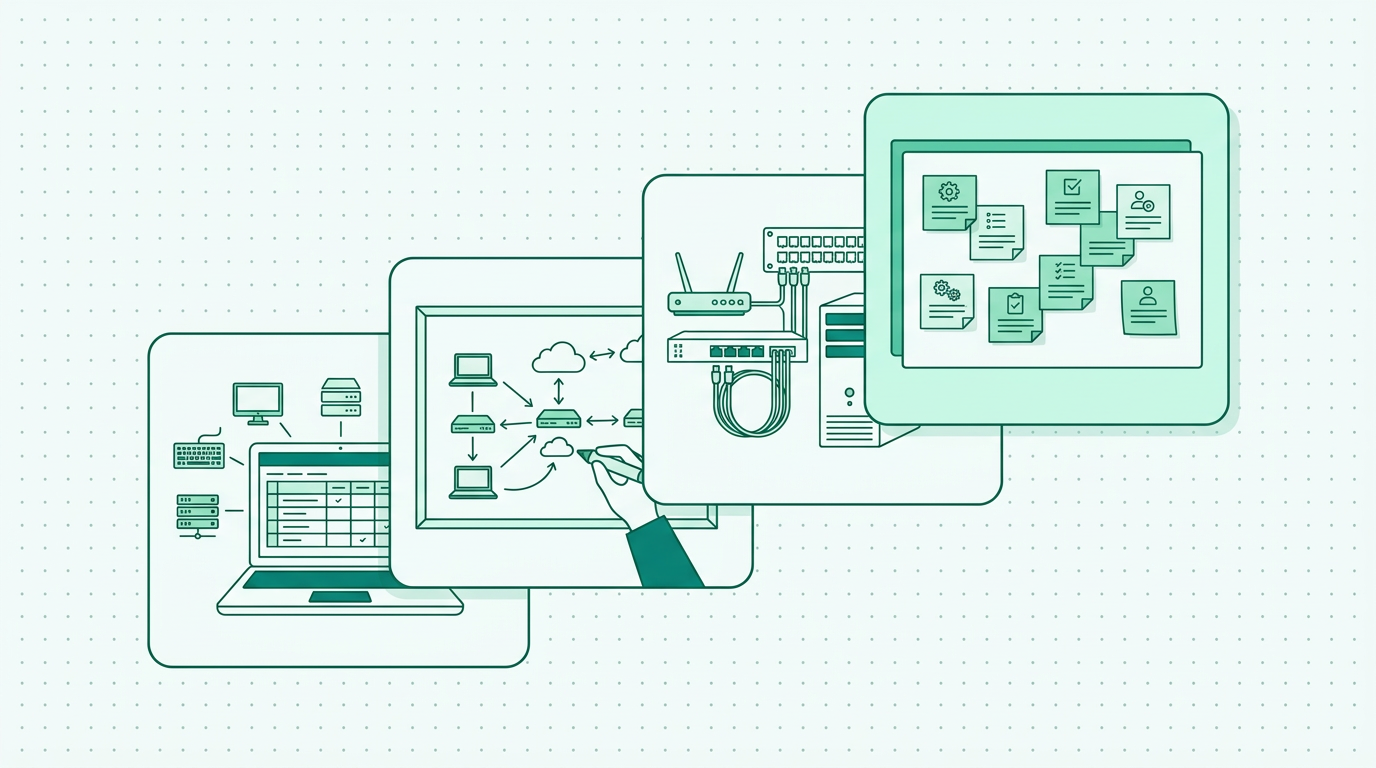
When documenting IT systems, it is vital to cover several key components that will serve as a comprehensive guide for your operations. First, identify all hardware and software assets, including servers, computers, applications, and peripherals. This inventory should detail specifications, locations, and ownership, creating a clear overview that can be referenced at any time. Next, document network architecture, including diagrams that illustrate how systems connect and communicate with each other. This visual representation can significantly enhance understanding among your team members and is essential for identifying potential vulnerabilities.
Additionally, include information on data management processes, such as backup schedules, storage solutions, and data flow descriptions. This information is crucial for maintaining data integrity and ensuring that recovery processes can be executed smoothly. Lastly, ensure to capture contract details, including service agreements, licensing information, and renewal dates, as this can help in managing relationships with vendors and service providers. By encompassing these components, you create a holistic view of your IT systems that can be invaluable for troubleshooting and strategic planning. SystemMap simplifies this documentation process by allowing users to create visual maps of their systems alongside detailed records.
Best practices for documenting IT systems
To ensure your IT documentation is effective and useful, adhere to several best practices. Firstly, make it a collaborative effort by involving team members who have hands-on experience with the systems. Their insights can provide a deeper understanding of how systems function in practice and can help identify gaps in the existing documentation. Secondly, maintain consistency in your documentation format. Use standardised templates that make it easier for users to navigate and understand the information, ensuring that anyone can find what they need without confusion.
Additionally, regularly review and update the documentation to reflect any changes in your IT landscape. Technology evolves rapidly, and keeping your documentation current is crucial; outdated information can lead to significant issues. You might also consider using a dedicated tool, such as SystemMap, that offers version history and snapshot sharing capabilities, which can aid in maintaining accurate records over time. Moreover, ensure that documentation is easily accessible to all relevant staff members, perhaps through a shared drive or centralised repository, so that it can be referred to when needed. By following these best practices, you enhance the usefulness of your IT documentation and ensure it remains relevant and actionable.
Utilising visual aids for better understanding
Visual aids play a significant role in enhancing the clarity and effectiveness of your IT documentation. Diagrams, flowcharts, and infographics can simplify complex information and help team members grasp the relationships and dependencies between various systems and processes. For instance, a visual representation of your network architecture can allow individuals to quickly identify potential points of failure or areas that require upgrades. Furthermore, consider integrating screenshots or video tutorials for software applications that your team uses regularly. These resources can be particularly helpful during onboarding or when training employees on new systems, providing a visual reference that can improve comprehension and retention.
SystemMap provides the ability to create visual maps of your IT systems, making it easier to communicate and share this vital information with your team. By leveraging visual aids, you can enhance engagement and understanding, ultimately leading to better operational outcomes. Additionally, consider using colour coding or icons to further differentiate between various system components. This can make it easier for team members to scan documentation quickly and find the information they need.
Common challenges in documenting IT systems
Documenting IT systems can present several challenges for small businesses. One common issue is the lack of time and resources, as many small business owners are already stretched thin managing daily operations. This often leads to incomplete or outdated documentation, which can create further complications down the line. Additionally, employees may resist documenting their processes, perceiving it as an additional burden rather than a valuable practice. This resistance can stem from a lack of understanding of the benefits that proper documentation brings.
Overcoming these challenges requires a cultural shift within the organisation that values documentation as a key component of operational success. Encourage team members to participate in the documentation process and highlight the benefits of having clear records for troubleshooting and knowledge transfer. Establishing a routine or dedicated time for documentation, perhaps during team meetings or as part of project wrap-ups, can also help. Moreover, employing a dedicated tool like SystemMap can significantly ease this burden by providing intuitive features to streamline the documentation process, making it less time-consuming and more efficient. Training sessions on how to effectively document processes can also empower staff and improve the overall quality of documentation.
How SystemMap can simplify your documentation process
SystemMap is designed specifically to help small businesses visualise and document their IT systems effectively. By offering a user-friendly interface, SystemMap allows you to create detailed visual maps that illustrate the interconnections between various systems, data flows, and processes. This visualisation is crucial for understanding the overall IT landscape and identifying potential areas for improvement. Additionally, SystemMap provides documented system records that include essential information such as business and technical owners, backup details, monthly costs, and contract reminders.
This comprehensive approach not only simplifies the documentation process but also ensures that all relevant information is easily accessible in one place. The ability to integrate AI-assisted suggestions from uploaded documents further enhances the documentation process by streamlining content creation. With SystemMap, small businesses can document their IT systems thoroughly without the need for specialist architectural knowledge, empowering them to make informed decisions and streamline operations. Furthermore, the tool’s control over snapshot sharing and version history allows for easy tracking of changes, making it simpler to revert to previous versions if necessary.
Next steps in your IT documentation journey
As you embark on your IT documentation journey, it's essential to take a systematic approach. Start by gathering all existing materials and resources related to your current IT systems, including any informal notes or existing documentation. This initial step will provide a baseline from which to build. Next, prioritise the components you want to document first, focusing on those critical to your business operations. Once you have established a framework, involve your team in the process to ensure a comprehensive understanding of how various systems interconnect.
Setting up a regular schedule for documentation sessions can help maintain momentum and keep documentation current. Regularly review and update the documentation to maintain its relevance and accuracy. Finally, consider leveraging a tool like SystemMap to streamline your documentation efforts and provide a visual overview of your IT systems. This will not only enhance clarity but also foster collaboration among team members in maintaining and utilising this information effectively. By applying these steps, you can create a robust documentation strategy that supports your business's growth and operational efficiency.
So, how do you document your IT systems effectively?
Documenting IT systems effectively involves a strategic approach that encompasses understanding the importance of clear documentation, identifying key components, adhering to best practices, utilising visual aids, and overcoming common challenges. By involving your team and keeping your documentation current, you create a valuable resource that can enhance operational efficiency and support informed decision-making. Tools like SystemMap can further simplify this process, ensuring that all critical information is accessible in one place.
Moreover, establishing a culture that values documentation will encourage ongoing contributions from staff, making documentation a living resource rather than a one-time effort. By following these steps, you can set your small business on a path towards improved IT management and operational success, ultimately contributing to a more streamlined and effective organisation.
Frequently asked questions
01What is the best way to start documenting IT systems?
To start documenting IT systems, gather existing resources and materials, prioritise critical components, and involve your team in the process. Use standardised templates to ensure consistency and clarity across documentation.
02How often should I update my IT documentation?
IT documentation should be updated regularly, especially after any changes in systems or processes. Establish a schedule for reviews, such as quarterly or annually, to ensure accuracy. Keeping documentation current is vital to avoid potential issues caused by outdated information.
03Can visual aids improve IT documentation?
Yes, visual aids like diagrams and flowcharts can significantly enhance understanding by simplifying complex information and illustrating relationships between systems. Well-designed visual documentation can make it easier for team members to understand processes and identify areas for improvement.
04Why is it important to document IT systems?
Documenting IT systems is crucial for clarity, troubleshooting, compliance, and strategic decision-making. It ensures that essential information is accessible and helps prevent operational risks, ultimately contributing to smoother business operations.
05What tools can assist in documenting IT systems?
Various tools can assist in documenting IT systems, including dedicated software like SystemMap, which provides visual mapping capabilities and detailed record management. Other options include general documentation tools like Confluence or Google Docs for collaborative writing and sharing. Choosing the right tool depends on your specific needs and the complexity of your IT environment.
06How do I engage my team in the documentation process?
Engaging your team in the documentation process can be achieved by fostering open communication about its importance. Involve team members in discussions about what should be documented and why. Encourage contributions by recognising their insights and facilitating regular documentation sessions to build teamwork and collaboration.
Ready to see your own systems clearly?
Map your IT landscape in minutes. Free to start.
Start free