Strategy · 9 Oct 2026 · 10 min read
IT documentation spreadsheet vs software: which is best for you?
Explore the advantages of IT documentation spreadsheets and software to determine which solution best fits your business needs.
By SystemMap
Understanding the Importance of IT Documentation
In today’s fast-paced business environment, managing IT systems efficiently is paramount for organisations of all sizes. When comparing IT documentation spreadsheets versus dedicated software, it's clear that effective IT documentation not only ensures compliance and operational continuity but also facilitates smoother onboarding processes, system troubleshooting, and maintenance. IT documentation can take various forms, including spreadsheets and specialised software.
Each method has its own pros and cons, making it essential for business leaders to understand their unique requirements and the capabilities of both options. This article aims to provide a detailed comparison between IT documentation spreadsheets and specialised software, highlighting their functionalities, advantages, and limitations. Effective IT documentation serves as the backbone of an organisation's operational framework, ensuring that all stakeholders are informed and equipped to manage their responsibilities effectively.
The Case for IT Documentation Spreadsheets
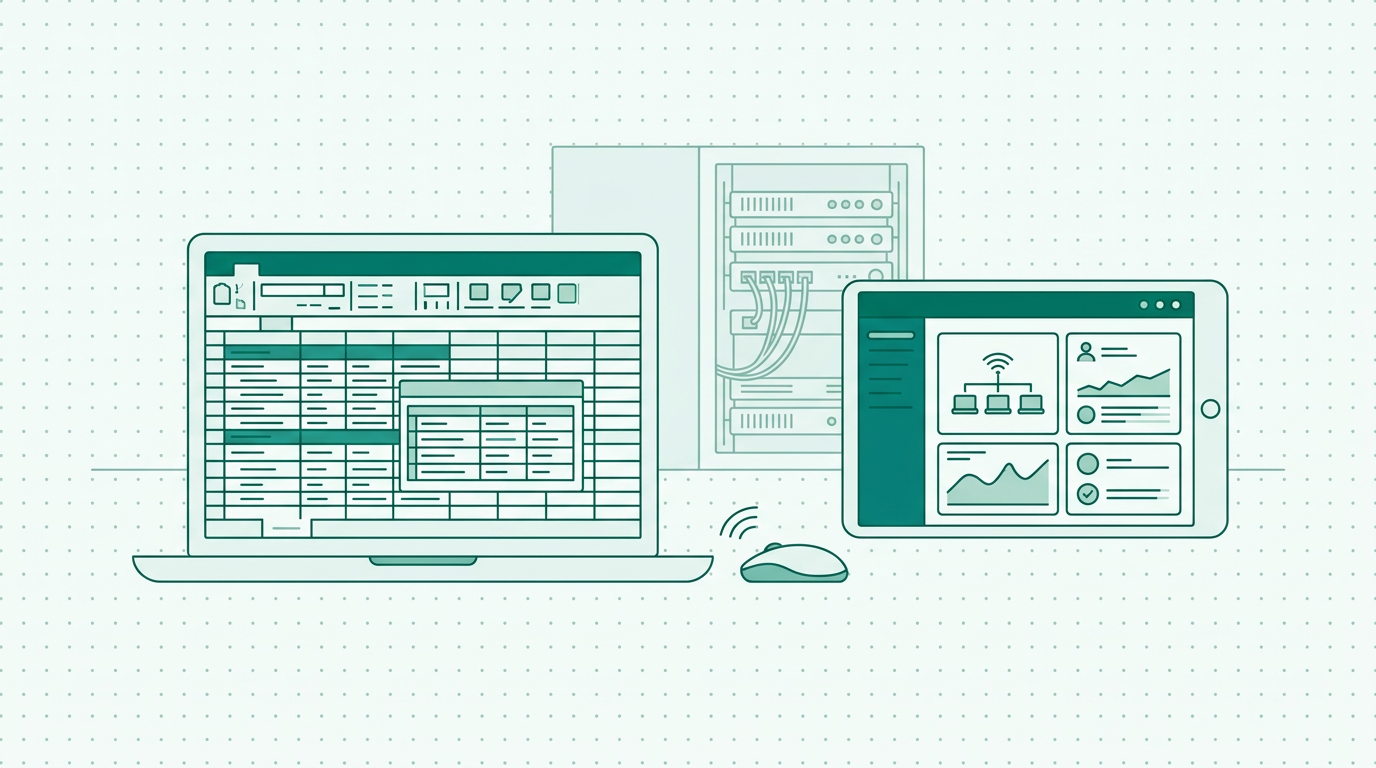
Spreadsheets are a common tool for IT documentation due to their familiarity and ease of use. Most professionals are accustomed to software such as Microsoft Excel or Google Sheets, making it simple to create, modify, and share documentation. A spreadsheet allows users to track various details, including system configurations, software licences, and maintenance schedules. This method can be particularly appealing for smaller businesses or teams with limited budgets, as spreadsheets are often free or require minimal investment. Moreover, the flexibility of spreadsheets allows users to customise their layouts and incorporate formulas for calculations, which can be beneficial for tracking expenses and resource allocations.
For example, a small startup might use Google Sheets to manage their software licences, allowing team members to view and update the list as necessary. However, while spreadsheets offer flexibility in layout and design, they also come with inherent risks. The potential for human error is significant; data can be accidentally overwritten, and without proper version control, it can be challenging to maintain an accurate record of changes. Additionally, as the volume of data increases, spreadsheets can become unwieldy, making it harder to find specific information quickly.
Limitations of Spreadsheets for IT Documentation
While spreadsheets have their benefits, they fall short in several areas when it comes to comprehensive IT documentation. Firstly, collaboration can become cumbersome, especially when multiple users are accessing the same file. This can lead to confusion and discrepancies in data, particularly if everyone is not on the same page regarding updates and changes. For instance, if one team member updates a spreadsheet without notifying others, it can result in conflicting information. Furthermore, tracking changes manually can be a daunting task, as users must remember to document what alterations have been made and by whom.
This lack of structure can result in critical information being lost or miscommunicated. Additionally, spreadsheets lack the advanced features that dedicated IT documentation software offers, such as automated reminders for contract renewals, integration with other systems, and visual representations of data flows. As businesses grow and their IT environments become more complex, relying solely on spreadsheets may hinder efficiency and create a risk of mismanagement. The absence of a centralised system can also lead to data silos, where information is scattered across various spreadsheets, making it difficult to gain a holistic view of the IT landscape.
Why Choose Specialised IT Documentation Software?
Dedicated IT documentation software, such as SystemMap, provides a more robust solution for managing complex IT systems. Unlike spreadsheets, these platforms are designed specifically for IT documentation, offering a range of features that enhance collaboration, accuracy, and functionality. For instance, SystemMap allows users to visualise their IT systems and data flows, creating a comprehensive overview that makes it easier to identify dependencies and manage resources effectively. This visual mapping capability is essential for understanding how different components of the IT environment interact with one another, which can help in troubleshooting and optimising performance.
For example, a company can use SystemMap to illustrate how their databases interact with their applications, leading to quicker identification of bottlenecks. Furthermore, with features like documented system records, business and technical owners, backups, and cost tracking, teams can ensure they maintain up-to-date information, reducing the risk of errors commonly associated with spreadsheet use. The structured approach of dedicated software fosters better collaboration and communication among team members, thus improving overall operational efficiency. Additionally, the software can adapt to the evolving needs of an organisation, providing scalability that spreadsheets lack.
Key Features to Consider in IT Documentation Software
When evaluating IT documentation software, several key features should be considered to ensure it meets your organisation's needs. These include:
- Visual mapping: The ability to create visual representations of systems and data flows helps teams understand dependencies and interactions. For example, a visual map can show how different servers connect to various applications.
- Version control: This feature ensures that all changes are tracked, allowing users to revert to previous versions if necessary, thus providing a safety net against unintended errors.
- Collaboration tools: Effective communication and collaboration features enable teams to work together seamlessly, reducing the risk of errors. For instance, features such as comment threads and task assignments can facilitate better coordination among team members.
- Integration capabilities: The ability to integrate with other tools and systems used within the organisation enhances efficiency and reduces data silos, ensuring that information flows freely across platforms.
- Automated reminders: Features that provide notifications for contract renewals, system updates, or maintenance schedules help keep IT documentation current.
- Accessibility and user permissions: Ensuring that the right team members have access to the necessary documentation while maintaining security protocols is crucial for data integrity and confidentiality. These features collectively ensure that the software can effectively support the organisation's IT documentation needs.
Comparing Costs: Spreadsheets vs Software
Cost is often a deciding factor when choosing between spreadsheets and specialised software. Spreadsheets, particularly free options, may seem like the more economical choice at first glance. However, as the complexity of your IT documentation grows, the hidden costs associated with spreadsheets can quickly add up. These include time wasted on manual updates, potential errors leading to costly mistakes, and the inefficiency of collaboration among team members. For example, if a single error in a spreadsheet leads to a miscommunication that costs time or resources, the initial savings can be negated.
On the other hand, while dedicated IT documentation software like SystemMap may involve subscription fees, the investment often pays off through enhanced productivity, reduced risk of errors, and a more streamlined documentation process. Users can benefit from features designed to centralise information and improve workflow, which often translates into time and cost savings in the long run. Moreover, SystemMap is currently offering free access during its growth phase, allowing users to explore its capabilities without any financial commitment. This trial period provides an excellent opportunity for organisations to assess the software's fit for their needs before making a financial investment.
Making the Right Choice for Your Business
Ultimately, the decision between using spreadsheets and specialised IT documentation software should be based on your organisation's specific needs, size, and complexity of IT systems. For small businesses with straightforward requirements, spreadsheets might suffice initially. However, as your organisation grows and your IT landscape becomes more intricate, transitioning to dedicated software like SystemMap can lead to significant improvements in efficiency, accuracy, and collaboration. For instance, a small business might start with a spreadsheet for tracking software licences but later switch to SystemMap for better management as their IT needs expand.
Investing in the right tools for IT documentation can provide a solid foundation for operational success and help mitigate risks associated with poorly managed IT environments. A thoughtful evaluation of your current and future needs will enable you to choose the most appropriate documentation method that aligns with your organisational goals and resources. Furthermore, engaging with stakeholders during the decision-making process can ensure that the chosen solution meets the diverse needs of different teams within the organisation.
Real-World Case Studies: Success with IT Documentation Software
To better illustrate the advantages of using IT documentation software, consider the following hypothetical case studies: A medium-sized company in the financial sector had been using spreadsheets to track their IT systems. As their infrastructure grew more complex, they faced challenges in maintaining accurate documentation. After switching to SystemMap, they could visualise their IT landscape, which improved their ability to manage dependencies and enhance compliance with regulatory requirements. The ability to generate automated reminders for contract renewals significantly reduced the risk of lapses in service.
Another example is a tech startup that initially relied on spreadsheets for project tracking and IT documentation. As they expanded their team, the lack of collaboration tools in spreadsheets led to confusion and miscommunication. By adopting a dedicated IT documentation solution, they improved their team's efficiency and reduced onboarding time for new employees, as all necessary documentation was centralised and easily accessible. These examples highlight how specialised IT documentation software can transform the way organisations manage their IT environments.
So, Which Option Is Right for You?
In conclusion, while IT documentation spreadsheets offer a familiar and low-cost solution for managing IT information, they may not be sufficient for businesses with complex needs. The inherent limitations of spreadsheets, such as risk of errors and challenges in collaboration, can hinder operational efficiency. Conversely, dedicated IT documentation software like SystemMap provides a comprehensive solution tailored to the intricate demands of modern IT environments. With features that foster collaboration, improve accuracy, and streamline processes, investing in specialised software is a decision that can lead to long-term benefits. For those looking to enhance their IT documentation practices, exploring options like SystemMap is a wise next step. Understanding your organisation's current challenges and future aspirations will help you make an informed decision that supports your IT strategies and operational goals.
- Visual mapping capabilities
- Version control features
- Collaboration tools
- Integration with other systems
- Automated reminders for updates
- Accessibility and user permissions
Frequently asked questions
01What are the main advantages of using spreadsheets for IT documentation?
The primary advantages of using spreadsheets for IT documentation include their familiarity, low cost, and flexibility. Many professionals already have experience with software like Excel or Google Sheets, making it easy to create and share documentation without the need for training or additional software. Spreadsheets also allow for customisation, enabling users to format their data in a way that best suits their specific needs.
02How does IT documentation software improve collaboration?
IT documentation software enhances collaboration by offering features that allow multiple users to access and edit documentation simultaneously. This helps prevent version control issues and ensures that everyone is working with the most up-to-date information. Additionally, real-time updates and comments facilitate communication among team members, allowing for quicker decision-making and problem-solving.
03What types of businesses benefit most from IT documentation software?
Businesses with complex IT environments, multiple systems, and a need for collaboration among team members will benefit most from IT documentation software. These solutions are particularly valuable for medium to large organisations that require accurate tracking of their IT assets and dependencies. Furthermore, companies undergoing rapid growth or those in regulated industries can significantly improve their compliance and operational efficiency by implementing dedicated documentation software.
04Is SystemMap suitable for small businesses?
Yes, SystemMap is suitable for small businesses, especially during its growth phase, where it is offered for free. This allows smaller organisations to explore its features and determine how it can best serve their IT documentation needs without any financial commitment. As they grow, these businesses can scale their use of SystemMap to accommodate increased complexity in their IT environments.
Ready to see your own systems clearly?
Map your IT landscape in minutes. Free to start.
Start free