Strategy · 6 Oct 2026 · 7 min read
IT Due Diligence Checklist for Selling a Small Business
IT Due Diligence Checklist for Selling a Small Business
By SystemMap
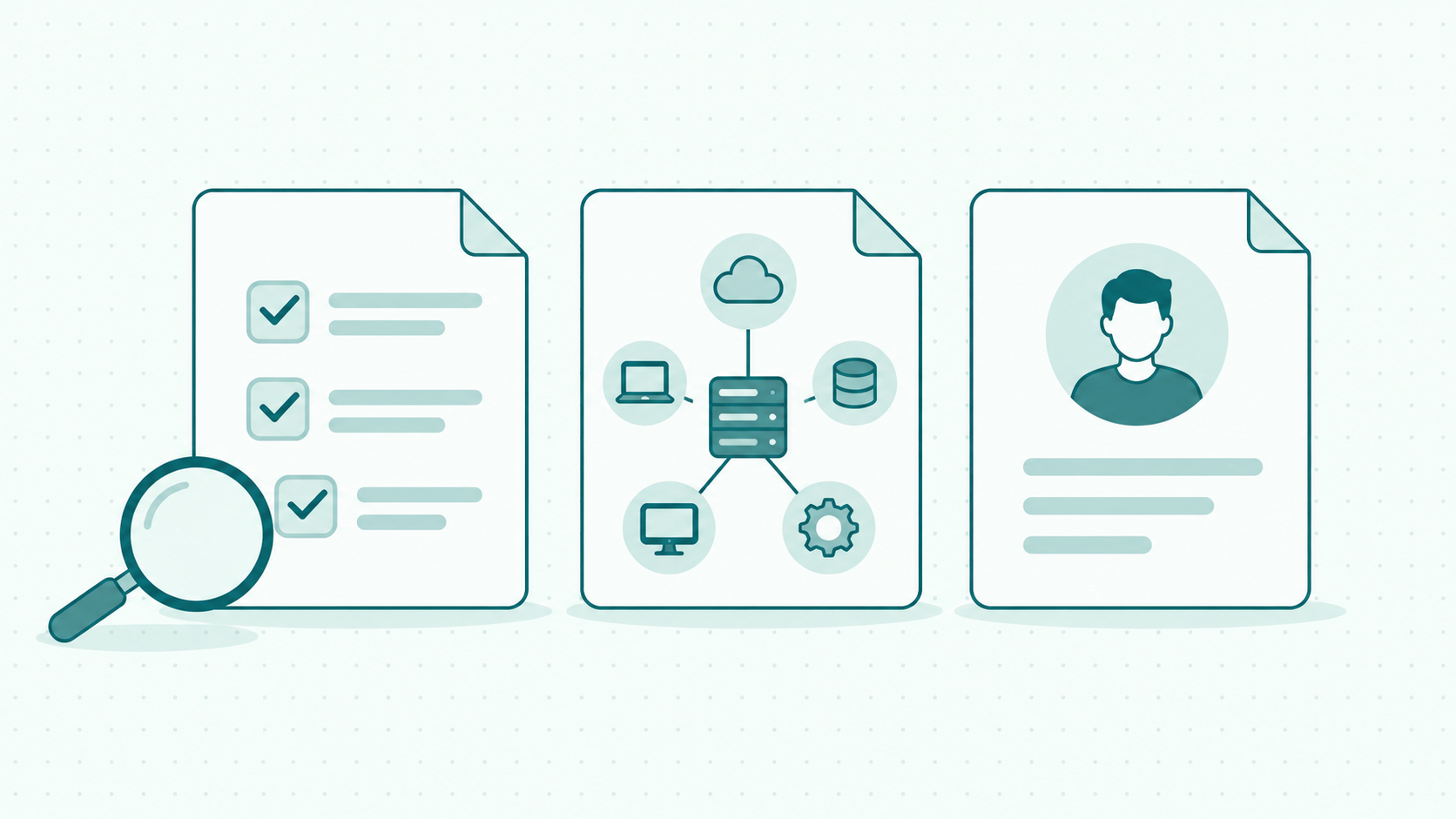
When selling a small business, your IT due diligence checklist should explain which systems support the company, who controls them, what they cost and what the handover requires. Supporting evidence matters: a system list alone cannot establish ownership, security or contractual rights.
For a seller, the practical starting point is to prepare a clear overview and organise the documents behind it. This helps you respond to questions without relying on one employee’s memory.
Use the checklist below as a preparation framework. Adapt it with your transaction advisers and IT specialists to the business, sale structure and buyer’s requirements.
What Is IT Due Diligence?
IT due diligence is a review of the technology supporting a business and the associated operational, commercial and security risks.
A buyer may want to understand whether systems can continue supporting operations after the transaction, which obligations remain and where further investment could be required.
The Business Development Bank of Canada describes due diligence as research and analysis before a business transaction. Its guidance identifies IT specialists as potential advisers for reviewing technology assets and intellectual property.
Preparation should explain the environment and provide evidence for further investigation. It should not present unresolved questions as confirmed facts.
IT Due Diligence Checklist for Selling a Small Business
Systems and Assets
Prepare: Applications, services, hardware and the business purpose of each.
Supporting evidence: System register and asset records.
Ownership and Access
Prepare: Account holders, responsible people and administrators.
Supporting evidence: Ownership records and access reviews.
Connections
Prepare: Data flows between systems and dependencies on external services.
Supporting evidence: System map and integration documentation.
Contracts and Costs
Prepare: Suppliers, recurring charges, renewal dates and notice periods.
Supporting evidence: Contracts, invoices and licence records.
Security and Recovery
Prepare: Security controls, known incidents and recovery arrangements.
Supporting evidence: Assessments, procedures and documented restore tests.
Handover
Prepare: Transition tasks, responsibilities and unresolved issues.
Supporting evidence: Transition plan and issue register.
The supporting evidence listed above describes preparation needs. It does not imply that one software product stores or validates every document listed.
How to Prepare Your IT Documentation
1. Inventory Systems and Technology Assets
List the technology used to operate the business, including:
- Email and collaboration services.
- Accounting, payroll and customer management applications.
- Online stores, payment services and booking tools.
- Hosting, domains and business websites.
- Hardware, network equipment and custom software.
Record each item’s purpose and identify the business activities that depend on it.
The NIST Small Business Quick-Start Guide recommends maintaining an inventory of hardware, software, systems and services.
Check the list against invoices and information from relevant colleagues. Mark uncertain entries for investigation.
2. Confirm Ownership and Administrative Access
Identify who owns or holds the account for each important service.
Check whether business assets are registered through company accounts, personal accounts or external suppliers. Record who can administer each service and who can assist if that person is unavailable.
For domains, websites and custom software, collect relevant registration and ownership documentation.
Avoid placing passwords, recovery codes or API keys in general-purpose documentation. Record the approved access process and keep secrets in an appropriate credential-management system.
3. Map Connections and Dependencies
Show how important systems exchange information.
For example, an online store may send orders to an inventory application and payment information to accounting software. A buyer needs to understand the connections supporting those processes.
Document the purpose of each connection, the responsible person and where supporting technical instructions can be found.
Ask what happens if a connection stops working. Is there a documented manual process? Does troubleshooting depend on one employee or supplier?
Your IT due diligence checklist should cover dependencies as well as individual applications.
4. Review Contracts, Licences and Costs
Prepare a register of technology suppliers and associated commitments.
Record recurring charges, billing frequency, renewal dates and notice periods. Separate subscription charges from implementation, support and maintenance expenses.
Ask your transaction advisers to review relevant assignment, change-of-control and consent provisions. Do not assume that every licence or supplier agreement can continue unchanged after a sale.
For custom software, collect development agreements and evidence of relevant usage or ownership rights.
Flag missing contracts and inconsistencies between invoices and recorded costs.
5. Gather Security and Recovery Evidence
Prepare an overview of access controls, maintenance responsibilities, known incidents and unresolved security findings.
For recovery arrangements, identify what is backed up, who manages the process and whether restoration has been tested.
NIST’s small-business guidance recommends multifactor authentication where available, software updates, regular backups and backup testing.
Distinguish between a documented policy and evidence that the process operates as described. A scheduled backup is not proof of successful recovery.
Have an appropriately qualified specialist review the evidence when the transaction requires technical assurance.
6. Identify Important Data and Handover Requirements
List the important categories of information held by each system and where they are stored.
Ask advisers to assess the applicable privacy, confidentiality and contractual requirements before sharing transaction materials or transferring information.
Prepare a handover plan covering administrative access, supplier contacts, operational instructions and transition responsibilities.
Document systems tied to the seller’s personal account or dependent on their ongoing involvement. Assign a responsible person to resolve each issue.
Turn Missing Information Into an Action List
Preparing an IT due diligence checklist for selling a small business will often reveal gaps. Treat them as work to complete, rather than hiding them inside a polished presentation.
Use a simple issue register. The following examples show what to record.
Hosting Account Held Personally
Why it matters: Access arrangements need clarification before handover.
Next action: Agree and document the appropriate transition process.
Integration Instructions Missing
Why it matters: Troubleshooting depends on one person.
Next action: Document the process and assign a backup.
Contract Terms Not Reviewed
Why it matters: Continued use after the sale has not been confirmed.
Next action: Ask your transaction advisers to review the relevant terms.
Restore Test Not Recorded
Why it matters: Recovery capability remains uncertain.
Next action: Arrange a suitable restore test and document the results.
Add an owner, target date and status to each issue. Clearly distinguish completed work from planned action.
How SystemMap Supports Preparation
SystemMap provides a visual overview of business systems with documented records.
Its website describes system maps and data flows, business and technical owners, backups, monthly costs, contracts and deadline reminders.
It also advertises map snapshots with expiry, password protection and revocation, plus export in CSV, Excel, JSON, PDF and PNG formats.
These capabilities can support the overview behind your preparation checklist. They do not establish contract transferability, validate intellectual property rights or provide an independent security assessment.
Start by mapping the systems supporting important business activities and identifying the people responsible for them.
Create a free SystemMap account to begin organising that overview. SystemMap currently advertises free access during its growth phase, with no credit card required.
Frequently Asked Questions
What should an IT due diligence checklist include?
Include systems, technology assets, ownership, access, connections, contracts, costs, security, recovery arrangements and handover requirements. Match the detail to the business and proposed transaction.
When should a seller start preparing?
Begin before you need to answer formal information requests. Confirming account ownership, finding missing contracts and documenting integrations can require input from several people.
Does a small business need a system map?
A system map can explain how applications and data flows fit together. It complements supporting contracts, procedures and technical evidence.
Should I give a prospective buyer administrative access?
Agree access and disclosure arrangements with your transaction advisers. Prepare appropriate evidence and controlled review access according to the stage and requirements of the transaction.
Can SystemMap complete IT due diligence?
SystemMap can support the system overview, ownership records, costs and contracts described on its website. Due diligence also requires investigation and evidence review beyond that overview.
Will better IT documentation increase the sale price?
No specific increase can be promised. Clear documentation can support the review process, but valuation depends on the business, transaction and findings.
Ready to see your own systems clearly?
Map your IT landscape in minutes. Free to start.
Start free