Strategy · 13 Oct 2026 · 10 min read
How to map integrations between business apps effectively
Learn how to map integrations between business apps to enhance operational efficiency, streamline workflows, and improve overall business performance.
By SystemMap
Understanding the importance of app integrations
In today's fast-paced business environment, understanding how to map integrations between business apps is essential for enhancing operational efficiency and achieving seamless workflows. As businesses adopt multiple software solutions to address different needs, understanding how these applications work together becomes increasingly complex. Without a clear mapping of integrations, companies can experience data silos, inefficiencies, and communication breakdowns. Mapping integrations allows you to visualise how data flows between applications, identify dependencies, and optimise workflows.
This article will guide you through the process of mapping integrations between business apps, ensuring that you can maintain clarity and efficiency in your operations. Effective integrations not only streamline processes but also enhance collaboration across departments, allowing for a more cohesive working environment. As such, a robust integration strategy is not merely beneficial; it is essential for any organisation aiming to thrive in a competitive landscape.
Identifying business needs and integration goals
The first step in mapping integrations is to clearly define your business needs and integration goals. Start by understanding the specific challenges your organisation faces with its current app ecosystem. Are there repetitive tasks that could be automated? Is there a need for real-time data sharing between apps? Take the time to consult with various stakeholders, including operations managers, IT managers, and department heads, to gather insights into their pain points and requirements.
By establishing clear objectives, you can create a focused integration strategy that addresses the most pressing needs of your organisation and ensures that the integrations you map out will provide tangible benefits. Additionally, consider the long-term vision of your business. Will your integration needs evolve as you scale? Incorporating flexibility into your integration strategy will enable you to adapt to future challenges and opportunities, ensuring that your investments in technology pay dividends over time.
Creating an inventory of your business apps
Once you have identified your integration goals, the next step is to create a comprehensive inventory of all the business applications currently in use. This list should include both major systems and niche tools, as even smaller applications can play a significant role in your overall workflow. For each app, document essential information such as its primary purpose, the data it handles, and its key users. This inventory will serve as the foundation for your integration mapping efforts, allowing you to see how different applications relate to one another and where potential integrations can occur.
It’s also beneficial to regularly update this inventory, as businesses often adopt new tools and technologies to meet evolving needs. This proactive approach will not only help in identifying gaps in your current system but also assist in evaluating the effectiveness of existing applications. Consider categorising your inventory by function, such as CRM, project management, or finance, to enhance clarity and facilitate easier access when planning integrations.
Visualising app integrations
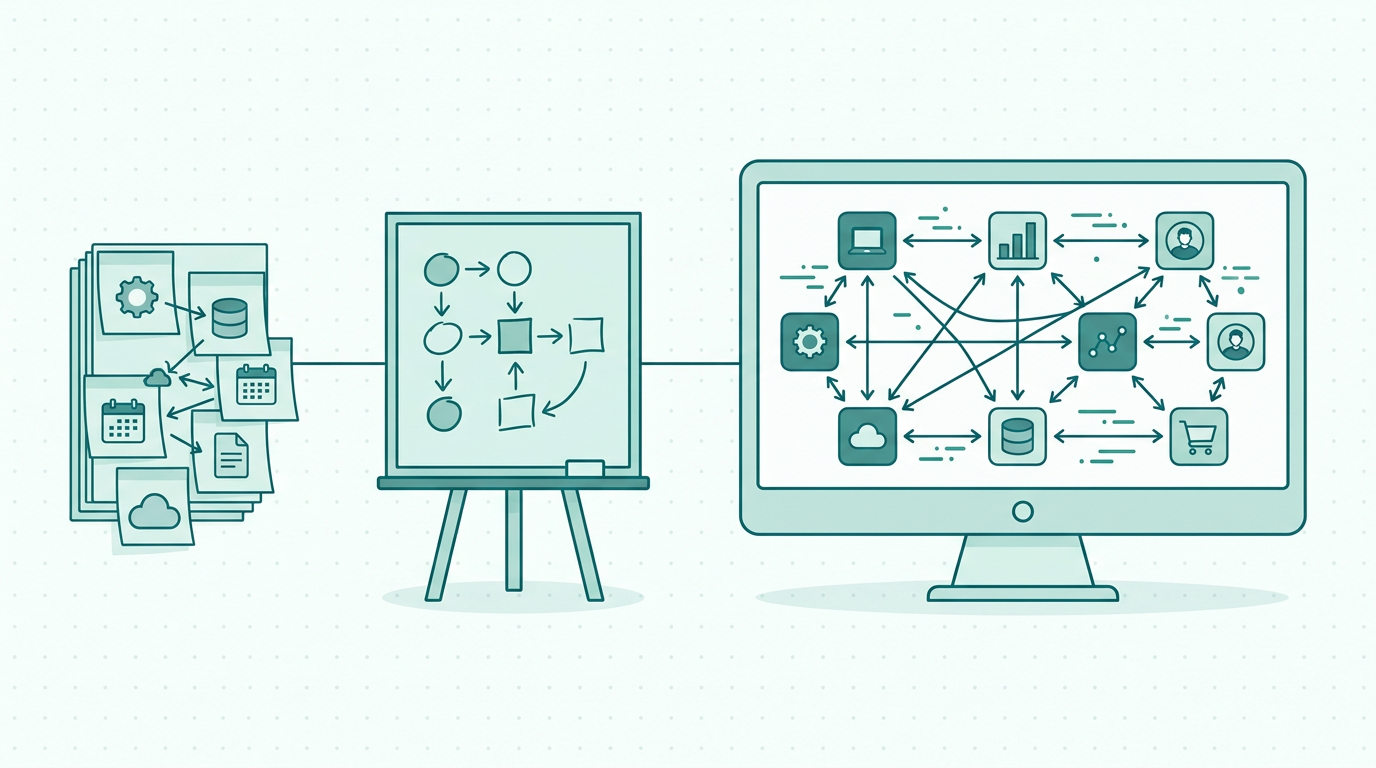
Visualisation is a critical component of mapping integrations between business apps. Creating a visual representation of how your applications interact can provide clarity and facilitate discussions among team members. Various tools can assist in this process, from simple drawing applications to more sophisticated mapping software. When visualising integrations, include all relevant details, such as data flow directions, types of data exchanged, and any dependencies between applications.
This visual map should be regularly updated to reflect any changes in your app ecosystem, ensuring that it remains a reliable resource for your team. SystemMap is an excellent tool for this purpose, as it enables you to create and maintain a visual overview of your systems and their integrations, complete with documented system records, business owners, and costs. Additionally, consider incorporating user-friendly features such as colour coding to represent different types of data or application categories, which can enhance the map's usability and comprehension for all stakeholders involved.
Documenting integration processes
After visualising the integrations, it's essential to document the processes involved in each integration. This documentation should detail how data flows from one application to another, any triggers for data exchange, and any transformation processes that occur along the way. Clear documentation will help ensure that team members understand how integrations function and can troubleshoot issues as they arise. Furthermore, it can serve as a valuable resource for onboarding new employees and for future system audits.
By keeping this documentation up to date, you can ensure that your integration processes remain transparent and effective. It is also advisable to implement version control for your documentation, allowing you to track changes over time and understand the evolution of your integration processes. This practice promotes accountability and can be invaluable during audits or reviews, providing a clear trail of decisions and modifications made along the way.
Testing and refining integrations
Once you have mapped out your integrations and documented the processes, it's crucial to test them thoroughly. Testing allows you to identify any potential issues before they affect your team's workflow. Set up scenarios in which different applications interact as intended and monitor the results closely. Look for any discrepancies in data transfer, unexpected errors, or delays in communication between apps.
Based on your findings, refine the integration processes and make adjustments as necessary. Continuous testing and refinement are essential to ensure that your integrations remain robust and responsive to your organisation's needs. Consider implementing automated testing where feasible, as this can save time and reduce the potential for human error. Additionally, gather feedback from users interacting with the integrations, as their insights can provide valuable perspectives on usability and functionality that may not be evident through testing alone.
Maintaining an integration map
An integration map is not a static document; it requires regular maintenance to remain relevant and useful. As your business evolves, new applications may be added, existing apps may be updated, and your operational needs may shift. Establish a routine for reviewing and updating your integration map to reflect these changes accurately. Involve team members in this process to ensure that the map captures all relevant insights and experiences.
SystemMap can facilitate this ongoing maintenance, providing a platform where you can easily update your integration visuals and documentation as your business systems change. Furthermore, consider scheduling periodic reviews of the integration map as part of your organisation's overall strategy meetings. Engaging stakeholders in these discussions ensures that everyone is aligned on the integration status and can contribute to future improvements.
Leveraging technology for effective integration mapping
In today's digital landscape, leveraging technology can significantly enhance the effectiveness of your integration mapping efforts. Tools like SystemMap allow you to create, maintain, and share visual representations of your integrations easily. The platform's features, such as AI-assisted suggestions from uploaded documents, contribute to a more streamlined mapping process.
Furthermore, controlled snapshot sharing and version history ensure that your integration map remains current and accessible to all relevant stakeholders. By embracing technology, you can simplify the mapping process and empower your team with the information they need to make informed decisions. Additionally, consider exploring integration platforms that offer pre-built connectors for popular applications, which can reduce the time and effort required to establish new integrations and enhance overall productivity.
So, how do you start mapping integrations effectively?
To begin mapping integrations between your business applications effectively, start by clearly identifying your integration goals and creating a comprehensive inventory of your apps. Visualise the integrations, document the processes involved, and regularly test and refine your mappings. Embrace technology solutions like SystemMap to facilitate this process and ensure that your integration map is always up to date.
By following these steps, you will create a clear understanding of how your applications work together, ultimately leading to improved operational efficiency and enhanced decision-making capabilities. Additionally, ensure that you communicate the importance of integration mapping to your entire team. Engaging everyone in the process fosters a culture of collaboration and continuous improvement, ensuring that integration remains a priority as your business grows.
- Identify integration goals and business needs
- Create a comprehensive inventory of applications
- Visualise and document integration processes
- Test and refine integrations regularly
- Leverage technology for mapping and maintenance
- Engage stakeholders in the integration process
- Schedule periodic reviews of the integration map
Common integration challenges and solutions
While mapping integrations can significantly enhance operational efficiency, various challenges may arise during the process. One common issue is the lack of standardisation across different applications, which can lead to difficulties in data transfer and compatibility. To address this, consider establishing a set of integration standards that all applications must adhere to. Another challenge is the complexity of legacy systems that may not easily integrate with modern apps.
In such cases, investing in middleware solutions can facilitate communication between disparate systems. Additionally, ensuring that all team members are adequately trained on the integration processes is crucial. Providing comprehensive training sessions can mitigate misunderstandings and ensure that everyone is equipped to handle integration-related tasks effectively.
The future of app integrations in business
As technology continues to evolve, the future of app integrations in business looks promising. Emerging technologies such as artificial intelligence and machine learning are beginning to play a significant role in automating integration tasks and optimising workflows. For instance, AI can analyse data flows and suggest improvements based on usage patterns, helping businesses make data-driven decisions. Furthermore, the rise of low-code and no-code platforms is enabling non-technical users to create integrations more easily, democratizing the integration process across organisations. As businesses increasingly adopt these technologies, it is essential to stay informed about emerging trends and consider how they can be leveraged to enhance your integration strategy.
Frequently asked questions
01What are app integrations?
App integrations refer to the process of connecting different software applications to enable them to work together, allowing data to flow seamlessly between them. This can enhance efficiency and streamline workflows by automating tasks and improving communication. By integrating applications, businesses can reduce the need for manual data entry, increase accuracy, and ensure that all departments have access to the same information, ultimately leading to better decision-making.
02Why is mapping integrations important?
Mapping integrations is important because it provides clarity on how applications interact, identifies dependencies, and helps prevent data silos. This understanding leads to improved efficiency, better decision-making, and enhanced overall business operations. Furthermore, a well-mapped integration strategy can support scalability, as it allows businesses to easily add new applications and services without disrupting existing workflows.
03How often should I update my integration map?
You should update your integration map regularly, particularly when new applications are added, when existing apps are updated, or when there are changes in your business processes. Regular maintenance ensures that your integration map remains accurate and relevant. Additionally, consider reviewing the map during regular team meetings to discuss any operational changes that may affect integrations, thereby fostering a culture of continuous improvement.
04Can I use SystemMap for mapping integrations?
Yes, SystemMap is a valuable tool for mapping integrations between business applications. It allows you to create visual representations of your systems, document processes, and maintain an updated overview of your integrations, making it easier to manage and optimise your business systems. The platform's features, such as AI-assisted suggestions and version history, enhance collaboration among team members and simplify the mapping process.
Ready to see your own systems clearly?
Map your IT landscape in minutes. Free to start.
Start free