Resilience · 11 Nov 2026 · 9 min read
What to do when your IT person quits: a practical guide
Discover essential steps to take when your IT person quits, ensuring business continuity and effective system management.
By SystemMap
Understanding the impact of an IT personnel change
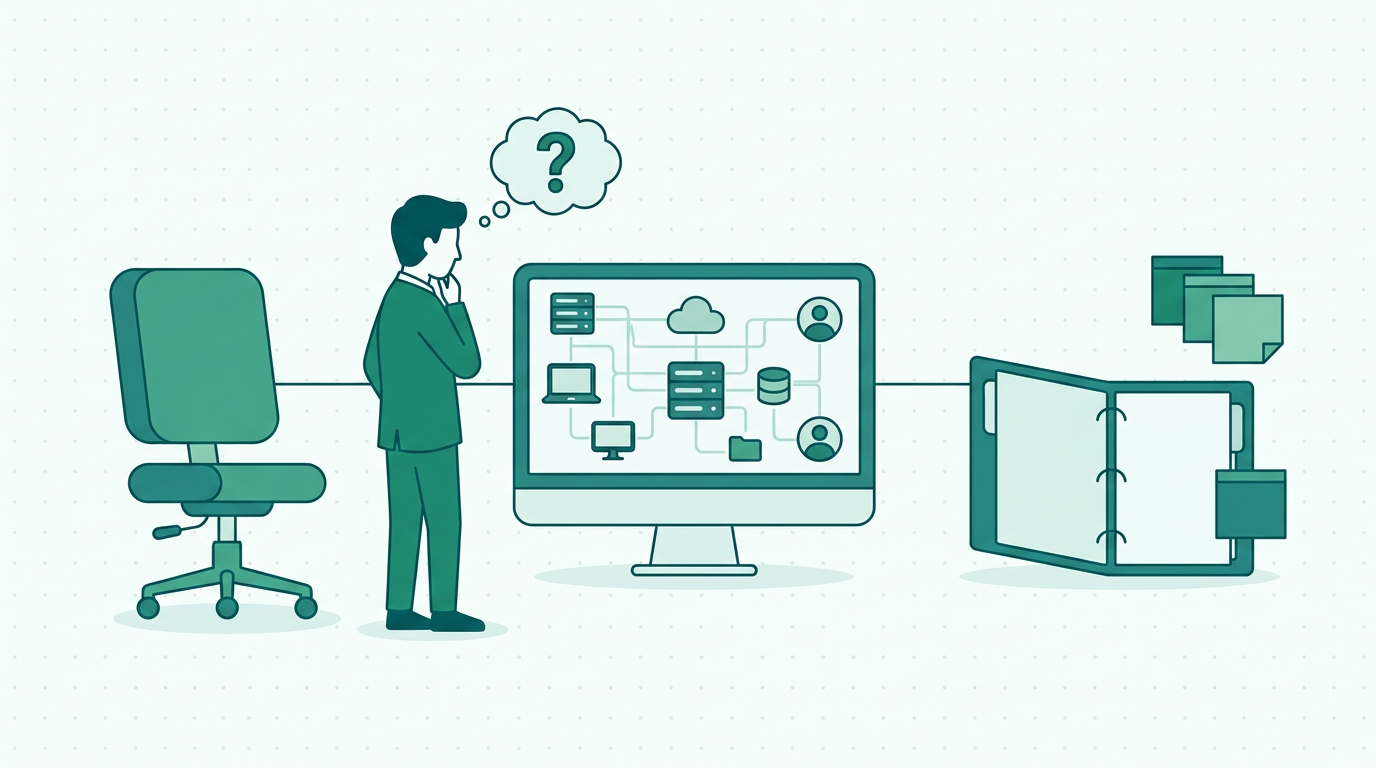
When your IT person quits, the immediate response often involves a mix of concern and uncertainty. The departure of an IT professional can disrupt critical systems, lead to knowledge gaps, and create operational challenges that may affect overall productivity. This is particularly pivotal for small and medium-sized businesses, where every team member plays a vital role in the daily operations and overall success of the company. The impact of losing an IT professional can be significant, as they are often the backbone of technology management, ensuring that systems run smoothly and securely.
Without their expertise, businesses may experience increased downtime, delayed projects, and potential security vulnerabilities. Therefore, the importance of having a well-structured plan in place becomes paramount. This article aims to equip you with actionable steps to mitigate the disruption caused by an IT personnel change and ensure that your business continues to operate smoothly. By employing effective strategies and leveraging tools like SystemMap, you can navigate this transition with confidence and position your organisation for future success.
Assessing your current IT environment
The first step in addressing the departure of your IT personnel is to conduct a thorough assessment of your current IT environment. This involves understanding the systems in place, their configurations, and the dependencies that exist between different components. Begin by reviewing existing documentation, if available, as it provides a roadmap of your IT landscape. If you have not maintained adequate documentation, this is a crucial time to start.
Documenting systems, configurations, and workflows will not only benefit you during this transition but will also serve as a valuable resource for onboarding new IT personnel in the future. Furthermore, consider engaging your team to gather insights about their interactions with the IT systems, as this can reveal hidden dependencies and potential issues. Tools like SystemMap can assist you in visualising your IT systems, mapping out data flows, and identifying key owners of each system. This overview will help you in the short term by identifying critical areas that require attention, and it will also serve as a foundational resource for ongoing IT management, ensuring that future personnel can quickly acclimatise to the environment.
Identifying critical systems and their stakeholders
Once you have assessed your IT environment, the next step is to identify which systems are critical to your operations and who the stakeholders are. This includes recognising the business and technical owners of each system, understanding the costs associated with them, and knowing the contracts that govern these systems. It is essential to have a clear understanding of which systems require immediate attention and who to contact for support. This identification process involves categorising systems based on their criticality to business operations and the impact their failure would have.
By using SystemMap, you can consolidate this information in one visual overview, which will simplify decision-making as you navigate the transition. This visualisation not only enhances clarity for current team members but also provides new hires with immediate insight into the organisational structure and system dependencies. Knowing your critical systems and their stakeholders allows you to prioritise tasks effectively and ensure that essential operations are not disrupted during this period. It also facilitates better strategic planning, enabling you to address potential risks proactively.
Communicating with your team
Effective communication with your team is crucial during this transition period. The way you communicate can significantly influence team morale and the overall atmosphere within the organisation. Inform your employees about the departure and outline the steps being taken to manage the situation. This not only reassures them but also encourages collaboration and input from team members who may have valuable insights into the IT systems. Open communication fosters a culture of transparency, empowering employees to share their thoughts, concerns, and suggestions.
Regular updates on the status of your IT environment and any changes will help maintain morale and keep everyone aligned on the next steps. Encourage team members to voice their opinions on how responsibilities might be redistributed or what temporary solutions could be implemented. Additionally, consider holding regular meetings to discuss progress, challenges, and any adjustments needed as you navigate this transition. Transparency is key to ensuring your team feels involved and informed, which can ultimately lead to a smoother transition and a more cohesive working environment.
Temporary solutions for IT management
In the absence of your IT personnel, it may be necessary to implement temporary solutions to ensure that your systems remain operational. Depending on the size of your company and the complexity of your IT systems, this could range from redistributing responsibilities among existing team members to hiring a temporary IT consultant. Assess your team’s skill sets to determine who might be able to take on additional IT responsibilities, and provide necessary support and resources to help them succeed. If your organisation relies heavily on specific software or systems, consider reaching out to the vendors for support or training for your staff.
Some vendors may offer temporary assistance or training sessions to help your team navigate the systems until a permanent solution is found. Additionally, utilising a platform like SystemMap can help you document and manage these temporary arrangements effectively, allowing you to maintain oversight of your systems until permanent solutions are in place. This documentation will also be invaluable for future reference and training, ensuring continuity in your IT operations.
Developing a transition plan
Creating a transition plan is essential for ensuring a smooth handover of responsibilities. This plan should outline the short-term and long-term steps needed to fill the gap left by the departing IT personnel. Start by identifying key tasks that need to be addressed immediately, such as system maintenance, security updates, and user support. Assign these tasks to capable team members or temporary staff, ensuring they have the resources and authority needed to carry them out effectively.
Additionally, consider conducting a skills assessment of your current team to identify any gaps that may need to be filled through training or hiring. This assessment can help you determine whether you need to invest in upskilling existing staff or if it would be more efficient to recruit externally. SystemMap can play a role in documenting these tasks and responsibilities, allowing you to track progress and ensure accountability. A well-defined transition plan not only provides clarity during a critical time but also sets the stage for long-term stability and growth within your IT department.
Onboarding a new IT professional
Once you are ready to hire a new IT professional, make sure to develop a comprehensive onboarding plan that incorporates the documentation and system knowledge you have gathered. This includes providing them with access to SystemMap, which will offer a visual overview of your IT environment, facilitating a quicker understanding of the systems in place. A well-structured onboarding process will help the new IT personnel get up to speed faster and reduce the risk of operational disruptions. Ensure that the onboarding includes training sessions, mentorship opportunities, and access to critical documentation.
Moreover, it is essential to foster an open line of communication between the new hire and the existing team to encourage collaboration and knowledge sharing. Regular check-ins during the initial weeks can help the new IT professional feel supported and integrated into the team, creating a more cohesive unit moving forward. The onboarding experience significantly impacts employee retention and satisfaction, so investing time and resources into this process pays off in the long run.
Evaluating and improving your IT strategy
The departure of an IT professional can serve as an opportunity to evaluate and improve your overall IT strategy. Take this time to reflect on any gaps in your current systems, processes, and documentation. Are there areas where you can improve efficiency or reduce costs? Engaging with your team to gather feedback can provide valuable insights into what is working and what is not. Consider conducting a SWOT analysis (Strengths, Weaknesses, Opportunities, Threats) of your IT strategy to identify areas for improvement.
Implementing a system like SystemMap can help ensure that you have a clear, visual representation of your IT landscape, allowing you to make informed decisions moving forward. By taking a proactive approach, you can turn a challenging situation into a catalyst for positive change. This could involve investing in new technology, revising workflows, or enhancing training programs for staff. Ultimately, this reflection and recalibration of your IT strategy can lead to a more robust and resilient IT environment.
- Assess your current IT environment
- Identify critical systems and stakeholders
- Communicate effectively with your team
- Implement temporary IT solutions
- Develop a transition plan
- Onboard a new IT professional
- Evaluate and improve your IT strategy
Frequently asked questions
01What should I do immediately after my IT person quits?
Start by assessing your IT environment and documenting critical systems. Communicate with your team about the departure and any immediate changes. This ensures that everyone is aware of the situation and can contribute to a smooth transition.
02How can I find a temporary IT solution?
Consider redistributing responsibilities among existing staff or hiring a temporary IT consultant. You can also reach out to your software vendors for support. Look for freelance IT professionals or agencies that specialise in temporary placements to bridge the gap while you search for a permanent replacement.
03What role does documentation play in this process?
Documentation helps in understanding your IT landscape, ensuring that critical systems and responsibilities are clear. It facilitates smoother transitions for new hires and aids in maintaining operational continuity. Comprehensive documentation includes system configurations, user manuals, and troubleshooting guides to assist current and future staff.
04Can SystemMap help during this transition?
Yes, SystemMap provides a visual overview of your systems, making it easier to manage dependencies, track costs, and document responsibilities during the transition. It allows for a clearer understanding of your IT environment, which can be invaluable in times of personnel change.
Ready to see your own systems clearly?
Map your IT landscape in minutes. Free to start.
Start free