Resilience · 3 Nov 2026 · 9 min read
Essential steps for when your IT person quits
Discover what to do when your IT person quits. Learn crucial steps to ensure your business remains secure and operational during this transition.
By SystemMap
Understanding the implications of an IT professional's departure
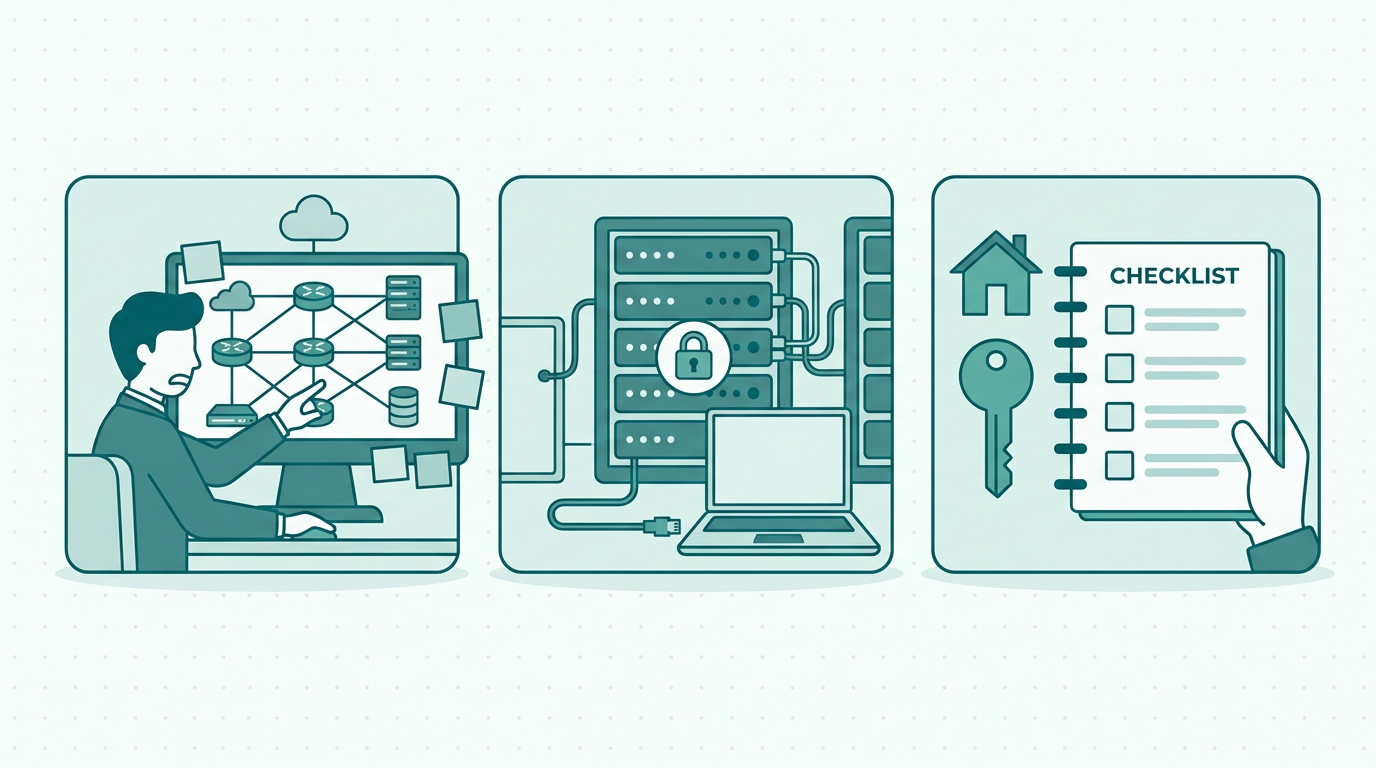
When your IT person quits, it can feel like a significant disruption to your business operations. Knowing what to do when your IT person quits is essential, as their role extends beyond just troubleshooting technical issues; they manage essential systems, ensure data security, and keep your technology infrastructure running smoothly. Losing this expertise can leave gaps that may impact productivity and security. As a business owner or manager, understanding the implications of their departure is crucial. What systems do they manage?
What projects are underway? How will this affect your team's productivity? Answering these questions can help you navigate the immediate aftermath of their exit. It is also important to assess the knowledge that the departing IT professional holds. Often, they have insights and understanding of the systems that are not documented anywhere, which can lead to a knowledge gap if not addressed promptly.
Assessing the current state of your IT systems
The first step after your IT person leaves is to conduct a thorough assessment of your current IT systems. This involves identifying the systems they were responsible for, the documentation they maintained, and the projects they were working on. It might be beneficial to create a visual map of your IT environment, including all software, hardware, and integrations. This is where SystemMap can provide invaluable support.
By using SystemMap, you can document your IT systems, including owners, costs, and contracts, all in one visual overview. This will help ensure that nothing is overlooked and that you can maintain continuity while transitioning to a new IT manager. Additionally, consider reaching out to other team members who may have worked closely with the IT professional to gather insights or undocumented knowledge that could be critical in the absence of their expertise. Understanding the current state of your IT systems will not only highlight gaps but will also inform your decisions moving forward.
Communication is key during the transition
Once you have a clear picture of your IT landscape, it's essential to communicate with your team and stakeholders. Inform them about the departure, the steps you are taking to address it, and how it might affect their work. Open communication helps in reducing anxiety and uncertainty. Additionally, you should reach out to your IT person, if possible, to gather insights about ongoing projects, critical contacts, and any potential risks.
This information can be crucial in managing the transition smoothly and ensuring that your business continues to function effectively. It’s also a good practice to keep an open forum for questions and concerns, allowing team members to express any worries they may have regarding the situation. Regular updates can help reassure your staff and create a sense of stability during a potentially turbulent time.
Identifying immediate action items
In the wake of losing your IT expert, it's vital to identify critical immediate action items to ensure business continuity. Start by evaluating any urgent IT issues that need addressing, such as system outages or security vulnerabilities. Additionally, consider the following action points:
- Review access controls and permissions to ensure that sensitive information remains secure.
- Document any ongoing projects to prevent knowledge loss.
- Reach out to external IT support if needed to fill the gap until a new hire is made.
- Plan for a longer-term solution, such as hiring a new IT person or considering managed IT services.
- Review contracts and support agreements for your technology services to ensure you are covered during this transition.
- Conduct a risk assessment to identify potential vulnerabilities that may have been overlooked.
- Ensure that all critical systems are backed up to prevent data loss during the transition period. By taking these steps, you can mitigate risks associated with personnel changes and ensure that your IT operations remain stable.
Exploring long-term solutions
While dealing with the immediate aftermath is crucial, it’s equally important to explore longer-term solutions for your IT needs. This may involve hiring a new IT professional who can fill the void left by your previous employee. However, consider whether a full-time role is necessary or if it would be more beneficial to engage a managed service provider (MSP). An MSP can offer a broader range of support, ensuring that you have access to a team of experts rather than relying on a single individual.
Additionally, incorporating tools like SystemMap can streamline the onboarding of new IT staff by providing them with a clear overview of your existing systems and responsibilities. Furthermore, having a structured onboarding process for new IT hires can enhance their integration into your company’s culture and operational framework. This may include defining clear job roles, responsibilities, and expectations to ensure that they align with the business’s objectives.
Training and knowledge transfer
If you decide to hire a new IT person, ensure that there is a structured training and knowledge transfer process in place. This not only helps the new hire get up to speed quickly but also ensures that they understand the specific needs of your business. Documentation is key in this process; having a clear record of all IT systems, workflows, and protocols will significantly reduce the learning curve.
Leveraging SystemMap can aid in this transition by providing an organised visual map of your IT landscape, which can serve as a reference for the new employee. In addition to SystemMap, consider implementing mentorship programs where existing staff can assist new hires during their initial days. This can foster a collaborative environment and encourage knowledge sharing, further contributing to a smoother transition and enhancing team cohesion.
The role of documentation in IT management
Effective documentation is essential in managing IT systems and mitigating the impact of staff turnover. A comprehensive documentation strategy should cover system configurations, user access levels, and operational procedures. This is where a tool like SystemMap becomes crucial, as it not only allows you to document current systems but also facilitates updates and changes over time.
By maintaining an accurate and up-to-date record, you can minimise disruptions regardless of changes in personnel. Furthermore, establishing a culture of documentation within your team can ensure that knowledge is shared and retained, reducing reliance on any single individual. Encourage team members to regularly update documentation as part of their routine, as this will help create a living document that reflects the current state of your IT environment and can serve as a valuable resource for both current and future staff.
Preparing for future IT transitions
To prevent future disruptions caused by unexpected IT personnel changes, consider developing a succession plan. This plan should outline how responsibilities will be transitioned in the event of another departure. It can include training existing staff to cover critical functions temporarily and ensuring that knowledge documentation is regularly updated. Additionally, creating a clear onboarding process for new hires can help them integrate quickly and efficiently into your existing IT framework.
With tools like SystemMap, this process can be streamlined, allowing for a smoother transition. Moreover, conducting regular reviews of your IT systems and personnel can help identify potential risks and ensure that you are prepared for any future changes. These proactive measures can foster resilience within your IT team and contribute to the overall stability of your business operations.
Maintaining a proactive IT management strategy
Maintaining a proactive IT management strategy is essential for any business, especially in an environment where personnel changes can occur unexpectedly. Regularly reviewing and updating your IT policies and procedures can help ensure that you are prepared for any eventuality. This includes staying informed about the latest technology trends and best practices, as well as assessing the skills and competencies of your existing IT team.
By fostering a culture of continuous learning and development, you can help your staff adapt to changes and remain engaged with their work. Additionally, consider establishing regular meetings to discuss IT strategy and gather input from your team. This inclusive approach can help create a more resilient IT environment, ultimately supporting your business objectives and encouraging innovation.
Conclusion: maintaining stability during IT personnel changes
In conclusion, when your IT person quits, it is essential to take a proactive approach to manage the transition. By assessing your current IT landscape, communicating effectively with your team, and utilising tools like SystemMap, you can maintain stability during this challenging time. Remember, the goal is not only to fill the vacancy but to create a resilient IT environment that can adapt to changes and continue to support your business objectives.
With careful planning and the right resources, you can turn a potential crisis into an opportunity for growth and improvement. Moreover, fostering an organisational culture that values flexibility, communication, and knowledge sharing will prepare your team for future transitions, ultimately ensuring long-term success.
Frequently asked questions
01What should I do first when my IT person quits?
Begin by assessing your current IT systems and documenting what your IT person managed. This will help identify immediate risks and areas that need urgent attention. Additionally, communicate with your team to keep them informed and reduce uncertainty.
02How can I ensure business continuity after losing an IT professional?
Communicate openly with your team about the situation, identify urgent IT needs, and consider engaging external support, like an MSP, while transitioning. Also, document ongoing projects to prevent knowledge loss and ensure essential functions are covered.
03What role does documentation play in IT management?
Documentation is critical for preserving knowledge and ensuring that processes are clear. It helps new hires quickly understand the systems in place, reduces reliance on any single IT person, and provides a framework for ongoing IT management.
04How can SystemMap assist in managing IT transitions?
SystemMap provides a visual overview of your IT systems, including owners, costs, and contracts, which aids in documentation and knowledge transfer during personnel changes. It helps maintain clarity and continuity, making transitions smoother and more efficient.
05What should a succession plan for IT personnel include?
A succession plan should outline how responsibilities will be transitioned in the event of another departure, include training existing staff to cover critical functions temporarily, and ensure that knowledge documentation is regularly updated. It may also involve identifying potential candidates within the organisation for future roles.
Ready to see your own systems clearly?
Map your IT landscape in minutes. Free to start.
Start free